
See it. Control it.
Enable it.
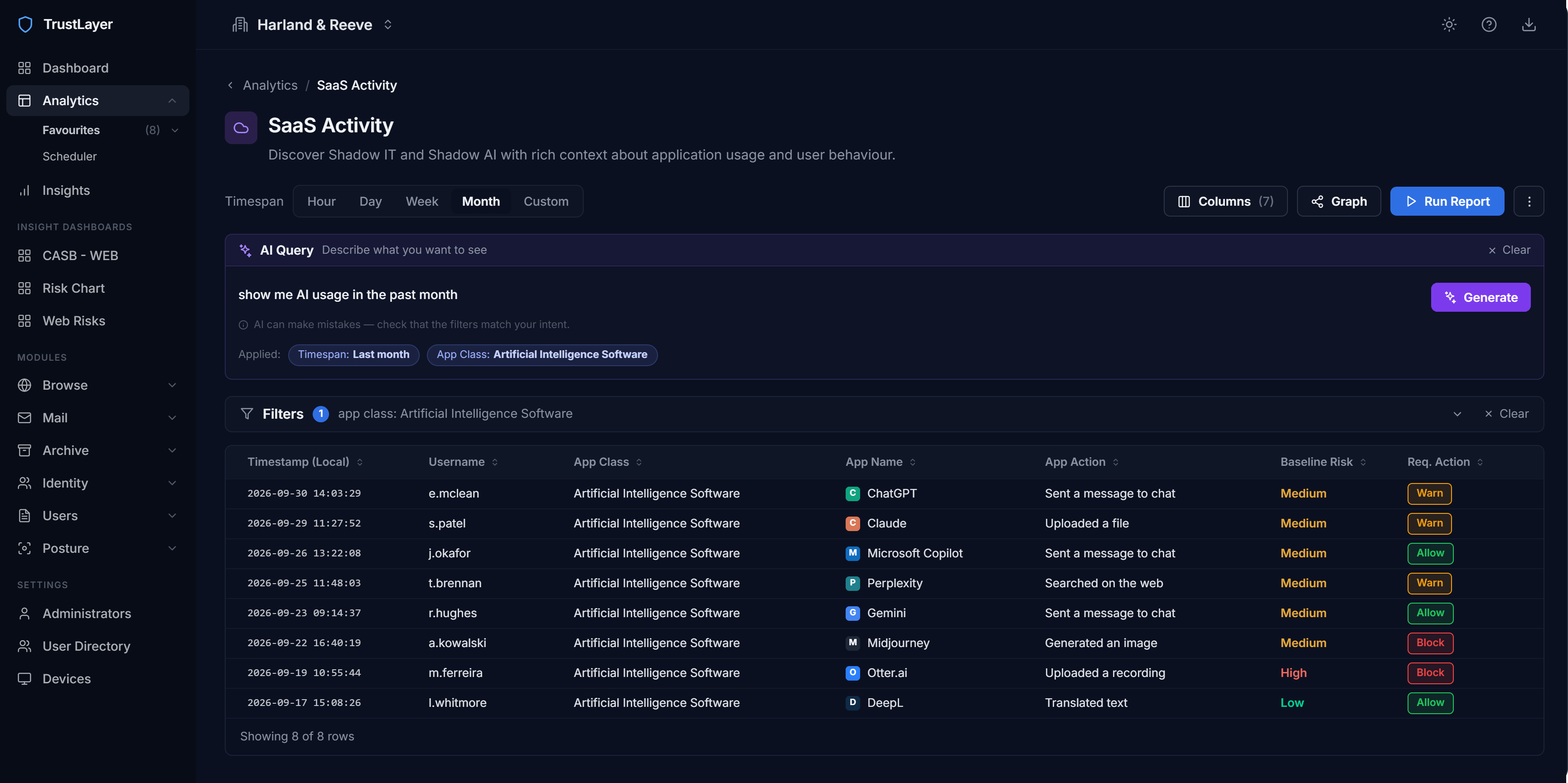
Browse sees which sites and AI tools people use, who uses them, and, for browser-based AI, what's uploaded or pasted. Control follows risk, not guesswork.
Phishing pages and malware hosts blocked on the laptop itself. In the office, at home, on hotel wifi. Same rules everywhere.
Web Security in depth →A live list of the SaaS your business actually uses, who uses it and how much. Approve it or switch it off.
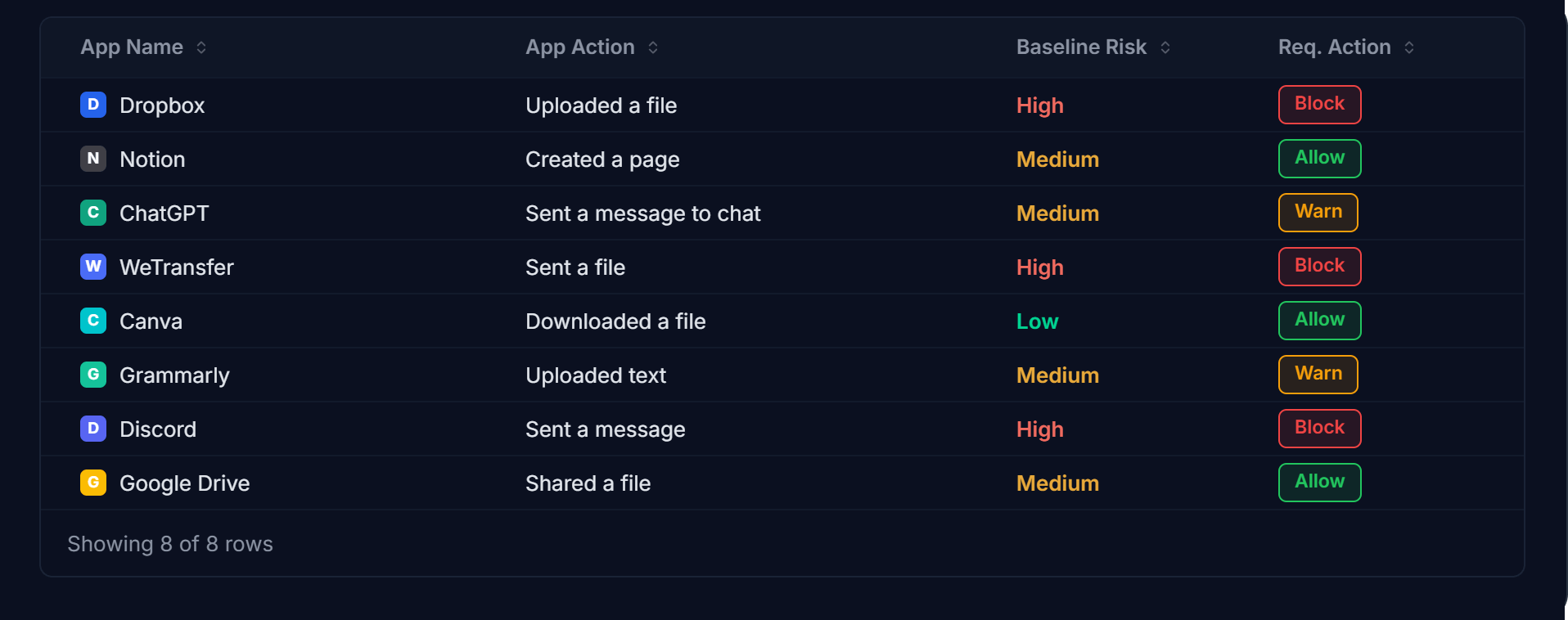
CASB in depth →Which AI tools are in use, by whom, and what people do in them. Allow, block or track by action, uploads, shares, downloads. Evidence for the auditor and the insurer, on tap.
AI Exposure in depth →Allow. Track. Block.
In that order.
Most AI use is fine. Some needs watching. A little needs stopping. Three policy states, set by user, group or tool, and applied by action: uploads, shares, downloads. Tracking is per action too, prompt content can be excluded where privacy calls for it.

Nothing in the traffic path.
Decisions are made on the device. No proxy. No slow Tuesday afternoons because everyone's video call is routing through Slough.



Sold through partners.
Switched on in a morning.
Same account team. Same invoice. Browse added as a line.
Talk to BT about TrustLayer →One platform for every customer. Deal registration and a AI Health Check to open the door.
Partner programme ↗Tell us where you are and roughly how many people. We'll introduce you to one that fits.
Find a partner →Things people ask before they buy Browse.
In the browser, yes, inline inspection is what makes upload and paste control possible, including checks on the files being sent. Desktop AI apps aren't inspected. And what's tracked is your choice, per action: if prompt privacy matters, 'sent a message to AI chat' can be excluded from tracking while uploads stay controlled. Reporting shows who used which tool, when, and what they did, within the policy you set.
No. There's no proxy or tunnel. The decision happens on the laptop before the request leaves it.
Keep it. Browse adds the SaaS and AI tool view Defender doesn't give you, plus allow/action-level control by group and the evidence export.
Same policy, same visibility. It travels with the device.
AI Exposure comes with Browse. You get Web Security and CASB alongside it, from day one.
If you are weighing this against Barracuda or Forcepoint, both have a side-by-side of their own - written to be fair, not flattering.